Next FPV — Built for Pilots
Find events and register in seconds. Are you fast off the line, a consistent racer, or a qualifying specialist? Analyze your performance, improve over time, join friendly race picks, and more — with Next on iOS and Android.

How can I improve if I can't measure myself?
Becoming a better pilot requires discipline, time, and dedication, but it also means understanding what to improve. And to improve, you need to know how to do it..
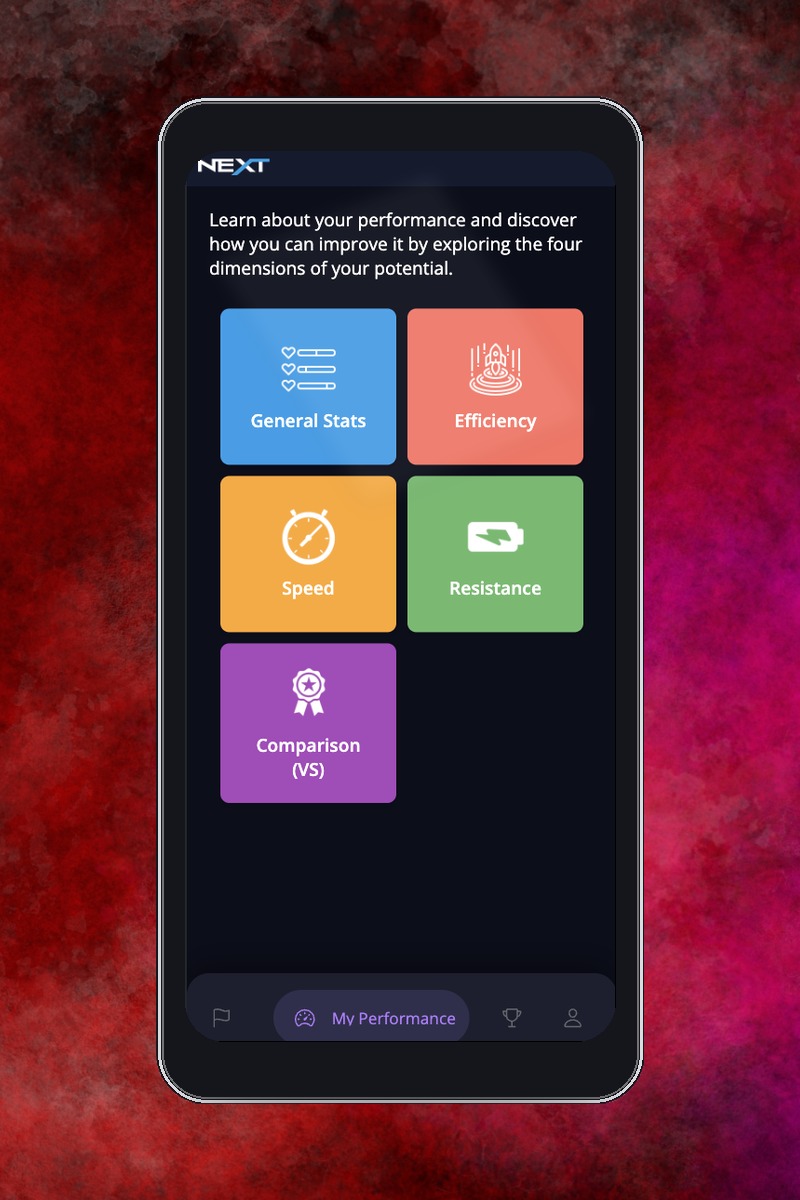
Next allows you to evaluate your performance as a pilot across four main dimensions: efficiency, speed, endurance, and comparison. This way, you can better understand your progress as a pilot—how you've improved over time, your consistency during training or races, and much more..
And the best part? It's free!.
Inside the Next FPV App
Take a quick tour of the features built for pilots.
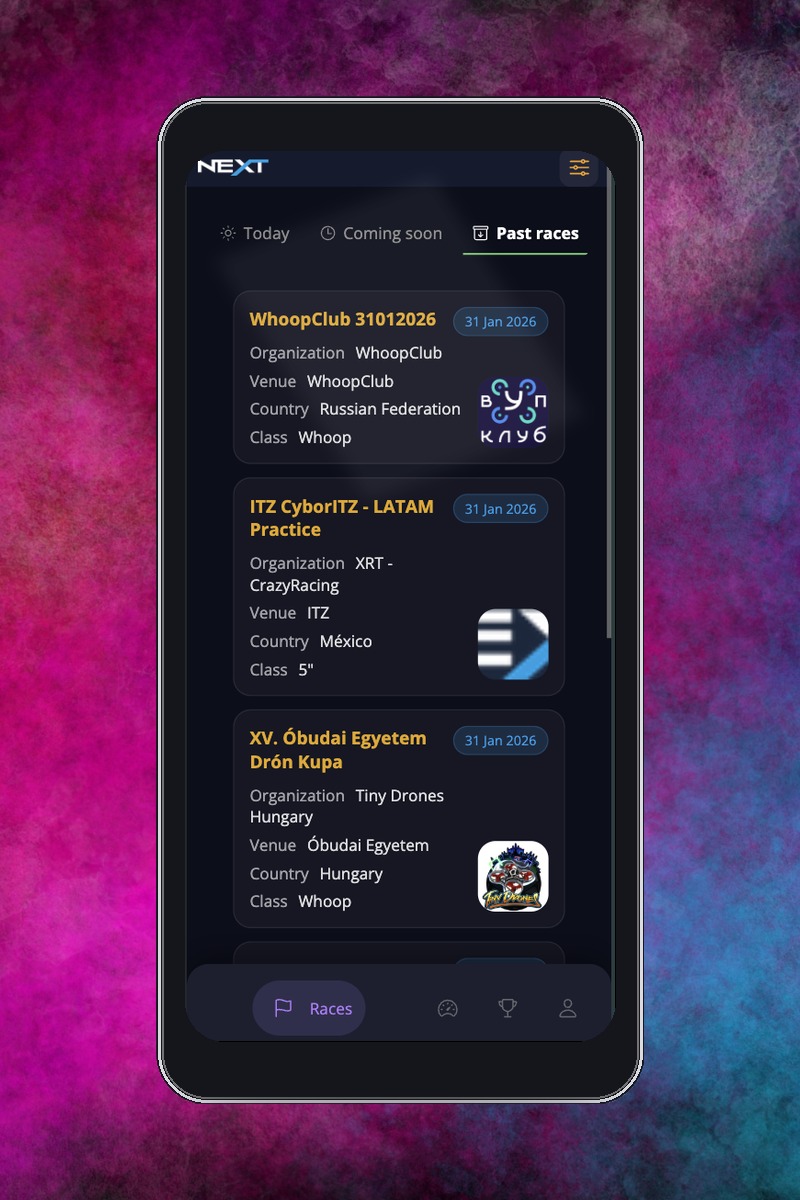
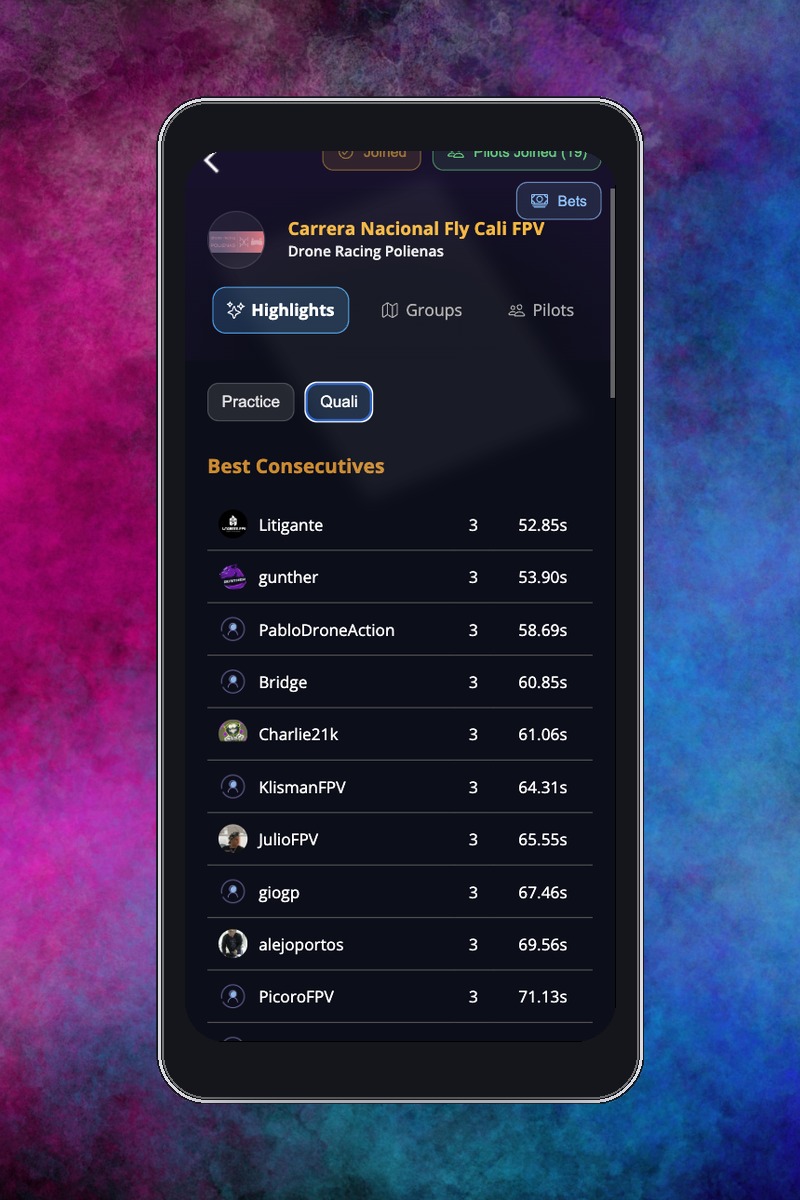
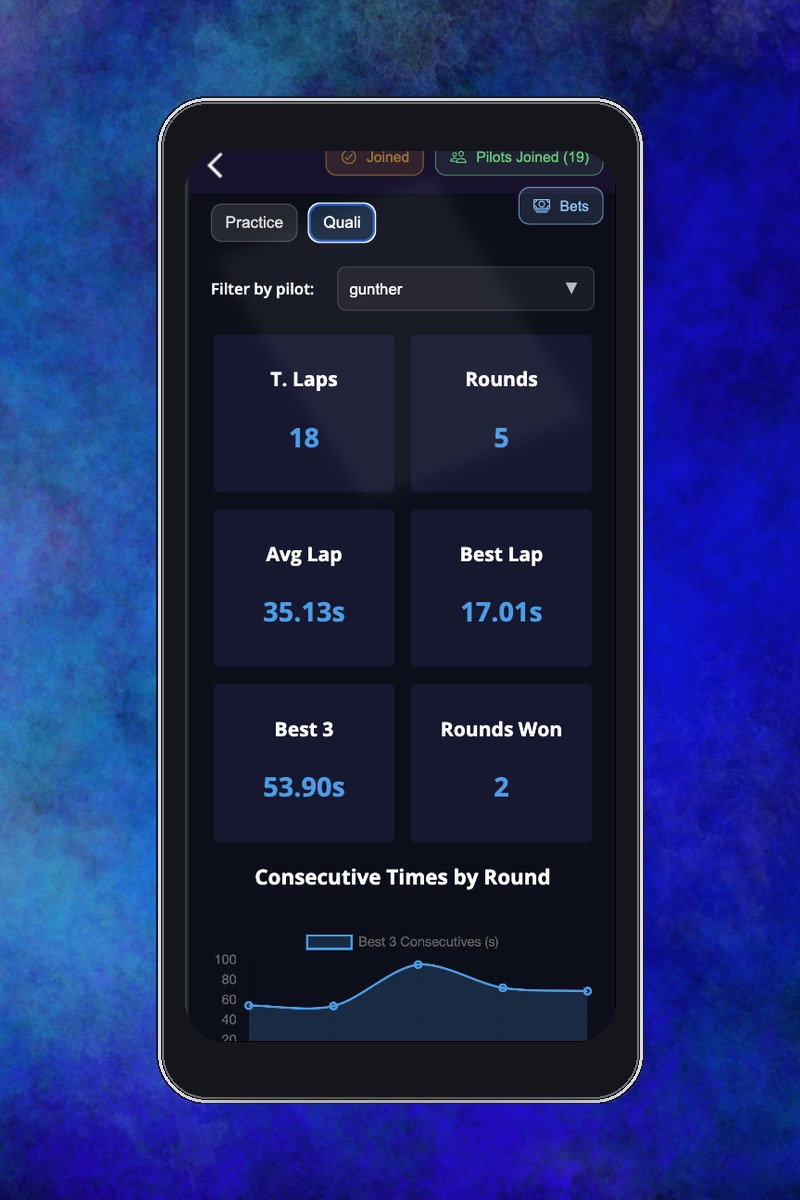
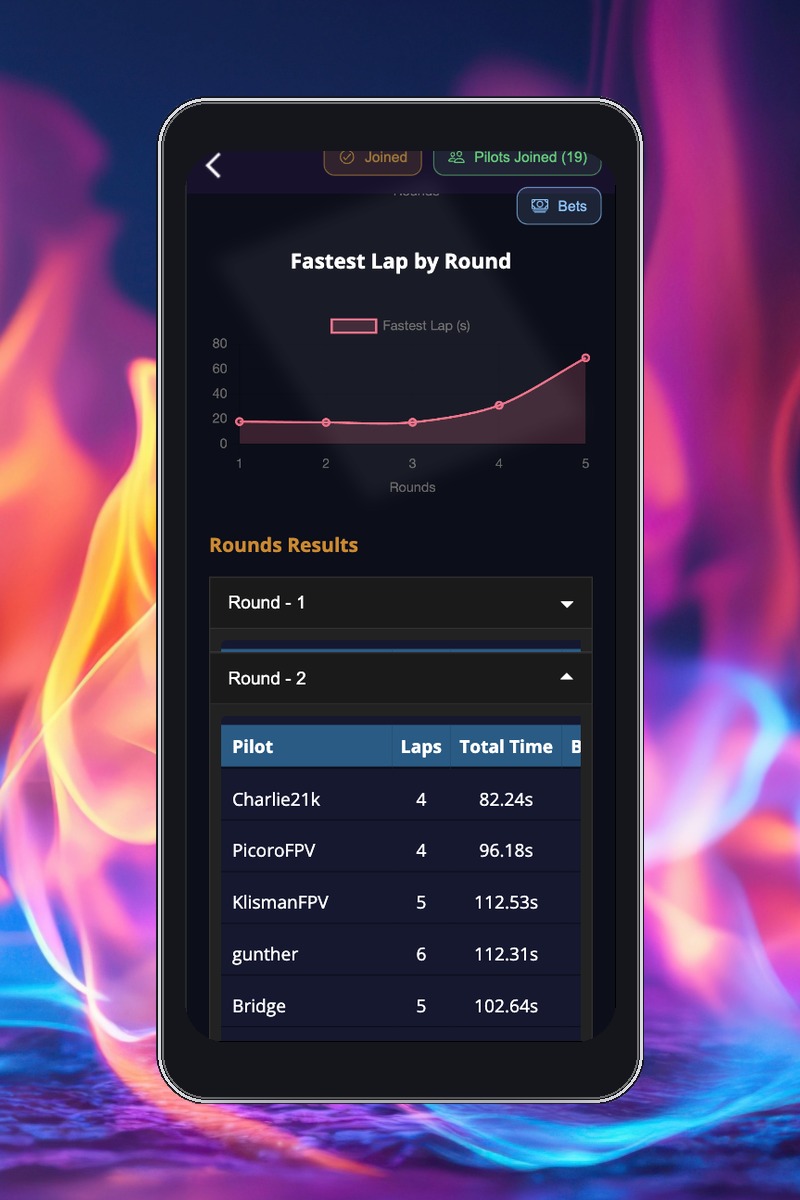
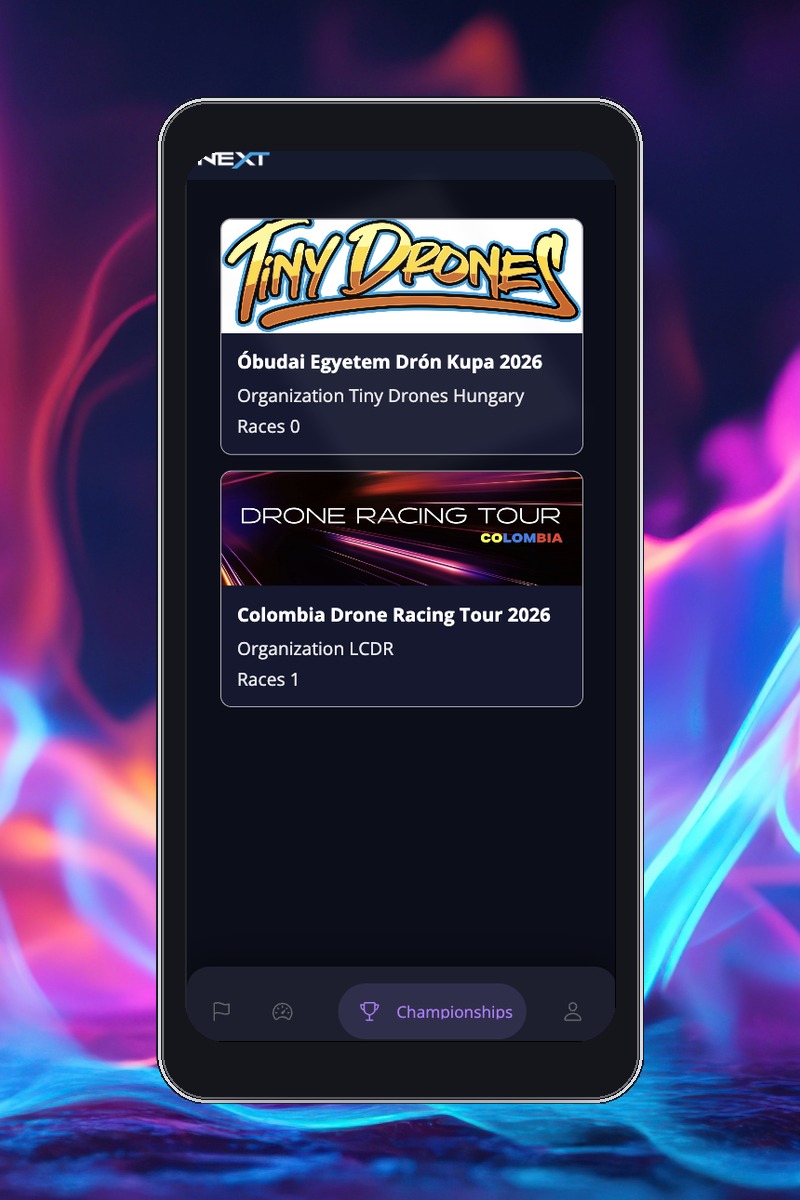
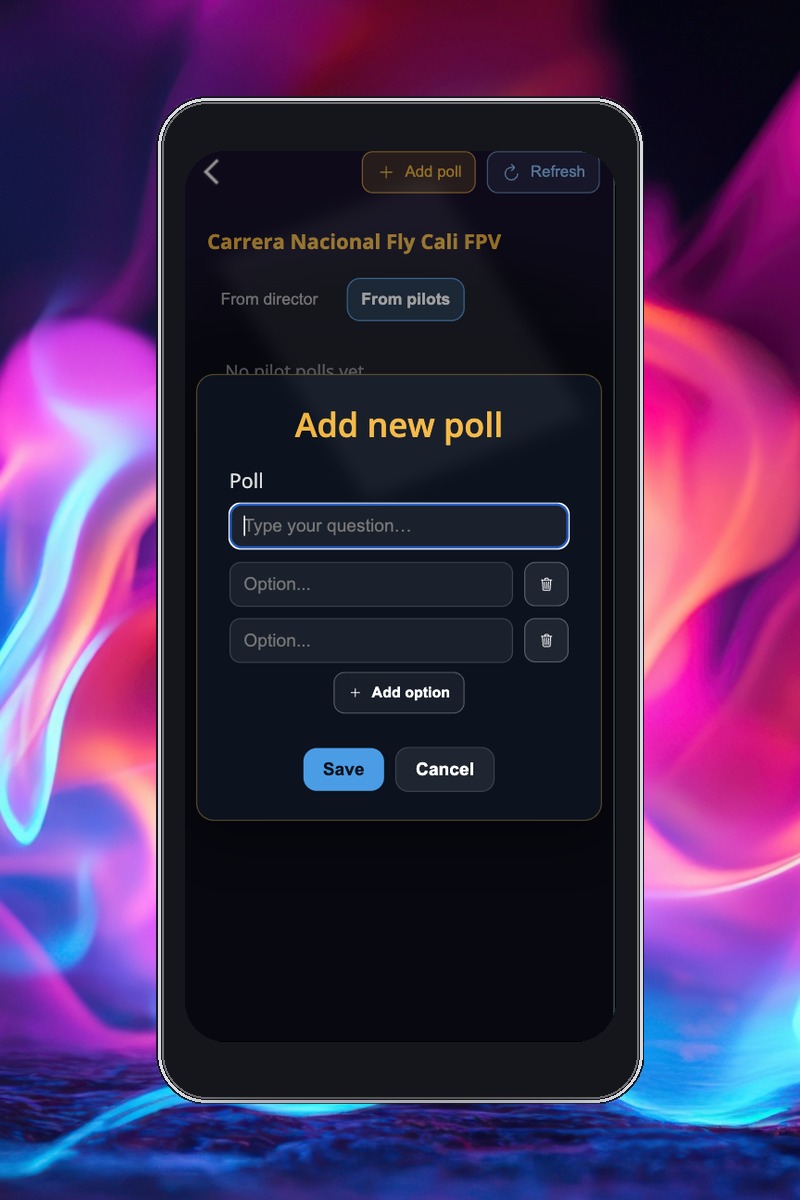
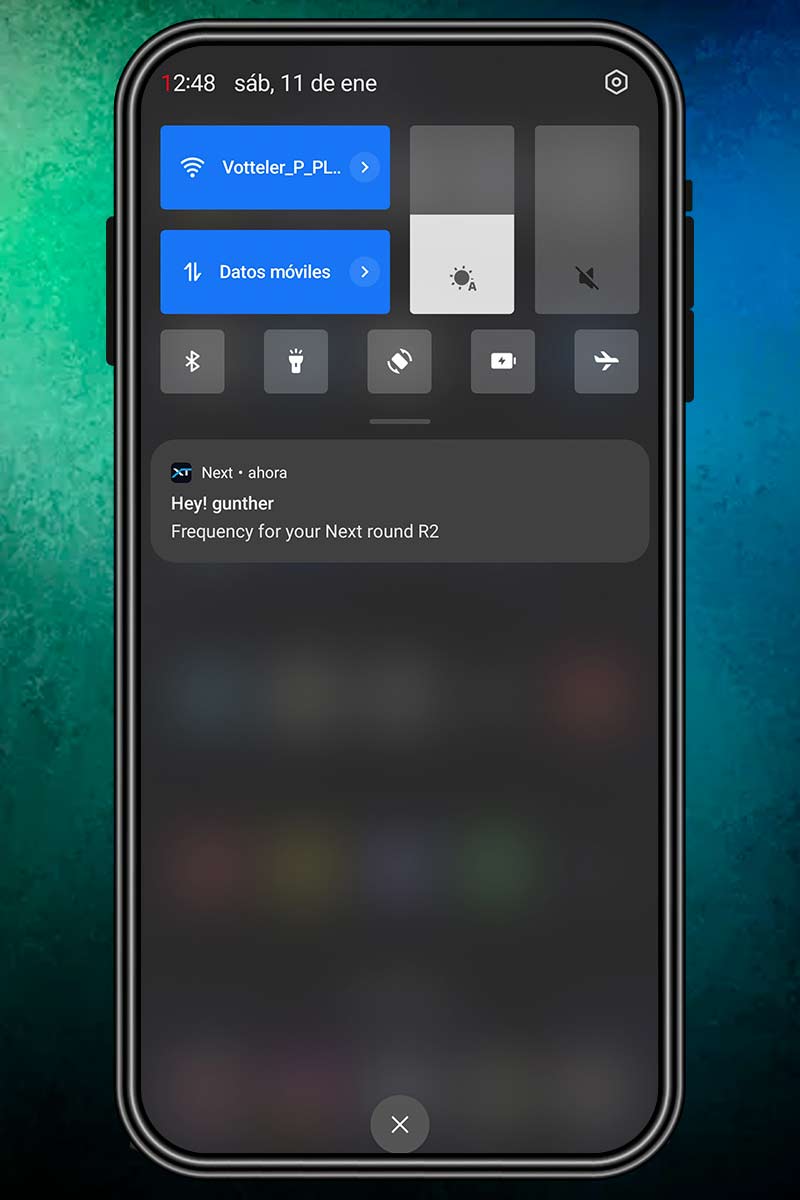

For training and races
Because FPV drone racing is our passion and our fun!.
It doesn’t matter if you’re just training or if your flight day includes a laptimer when you use Next for your training or races, you can harness the full power of the data it offers, and you can also use the voting system to challenge your friends. It’s not just about who crosses the finish line first, but also about who earns the most points from votes!.
FAQ
01. How do I use the Next app?
Click on the download links for iOS or Android, install, and you're all set!
02. When I create an account, it asks me for a nickname. What is that?
The nickname is your pilot name. Keep in mind that when you enter it, you can't use spaces, and it should be the name you provide to your event organizer so they can include it in the Next or RotorHazard console.
03. In the app, what is the Races section??
- Follow races in real time
- Check heat and group results.
- Join in and create your own race picks.
04. How can I use NXTgo to access the queue system in Practice or Qualifying?
If the organizer creates the stages using the NXTgo format, a new tab will appear in the race details where you can access this feature..
You just need to:
Enter your NextID
Tap Join to enter the queue and request a turn automatically
(Optional) Select a preferred band
06. What’s the difference between Race Results and My Performance?.
Race Results shows the outcomes of individual races, including rankings, times, and heat details for all pilots in the event. My Performance focuses on your personal metrics, providing insights into your efficiency, speed, consistency, and progress over time during training or races
07. How does the comparison work in My Performance?
The comparison feature in My Performance allows you to analyze your stats alongside other pilots. You can see how your efficiency, speed, and consistency stack up against others in the same event, training session, or overall. This helps you identify strengths and areas for improvement relative to your peers.
08. What are Resistance and Speed in My Performance?
Resistance
It shows how well you can maintain performance as you fly more packs/heats. In other words, how quickly your consistency degrades (and usually your lap times too) as the session goes on.
Speed
It indicates whether you can sustain a fast pace at different moments, not just hit a single fast lap. It’s your ability to hold a strong rhythm (good, repeatable averages) across heats/sets.
09. How can I use the app to see my next heats or the race plan?
Open the race and go to the Groups section. There you’ll see all upcoming groups/heats that Next has generated for the current stage.
10. What is the Championships section?
In this section you can find championships created by organizers. You’ll be able to see the championship’s overall points leaderboard, as well as the results from each race that is part of the championship.
11. What can I find in my profile?
Here you can view your basic account information, find your NextID, change your password, and update some of your details..
12. What notifications can I receive?
You can receive notifications when a new event is created in your country. During a race, you can also receive band and group info messages when the organizer sends them, and you’ll automatically receive updates about your results for each group..
13. What are race picks?
YIt’s a feature that allows the organizer to create race picks based on the overall race results or on a specific group. If the pick is group-based, it’s based on that group’s finishing positions/results.
You can also create your own picks during a race: fun questions with specific answers to play with your friends, for example:
“Who’s going to crash first?”
“Who’s going to blow a motor in this heat?”
Anything you can come up with!