Next Race Manager
A desktop app for Mac and Windows that helps you manage races and championships with ease — online or offline, with or without a LapTimer.
Is essential for sending results and round statuses to be displayed on the Next App.
No installation needed — just download, grant the required permissions, and start. You only need extra setup if you want to stream to YouTube from Race Manager.
Create events, add pilots, build groups and heats, manage classes, DVR layouts, and results — all in one place. If you’re using a LapTimer, just connect it and run the race directly from the Next interface.
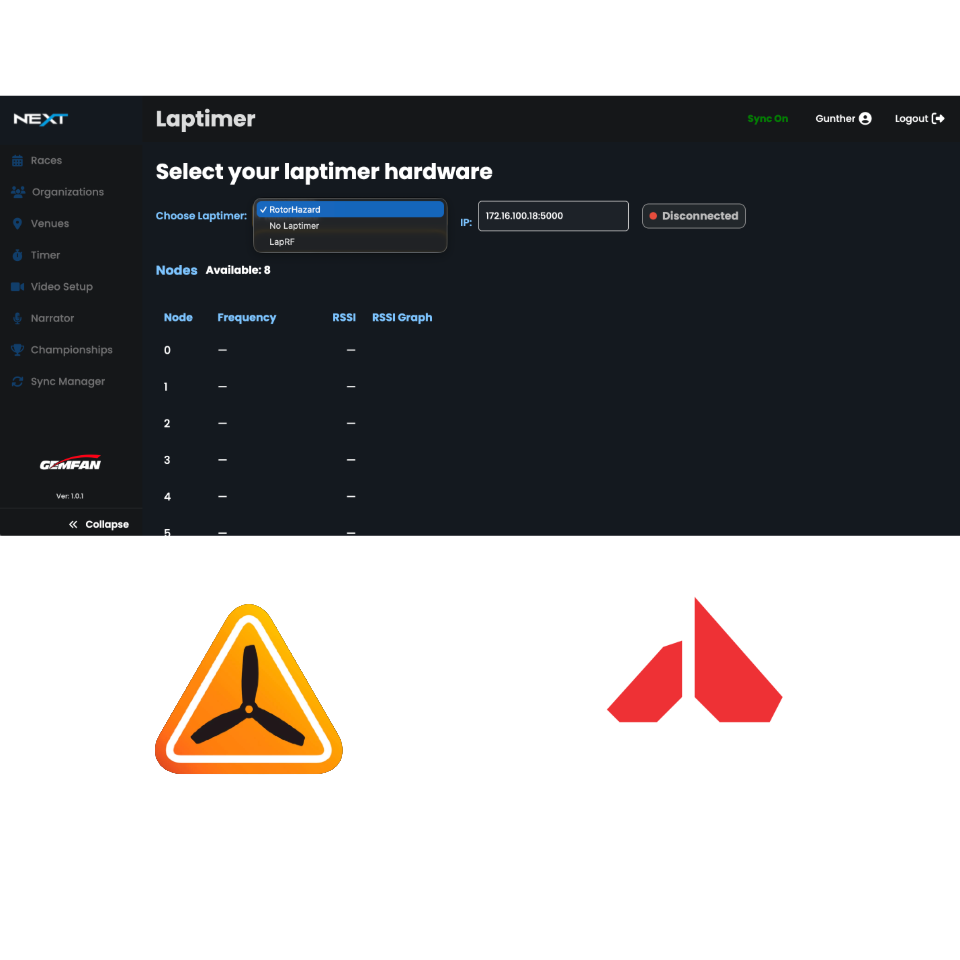
Do you use RotorHazard as your lap timer?
To use Next with RotorHazard, you must install the Next Connector plugin. It’s available
in RotorHazard’s Community Plugins section. If you prefer, you can also install it
manually.
After installing the plugin, go to Next → Timer, select your timer, and enter the IP
address with the port. Example: 192.168.1.19:5000.
If you use LapRF, you don’t need any plugin—just enter the IP address.
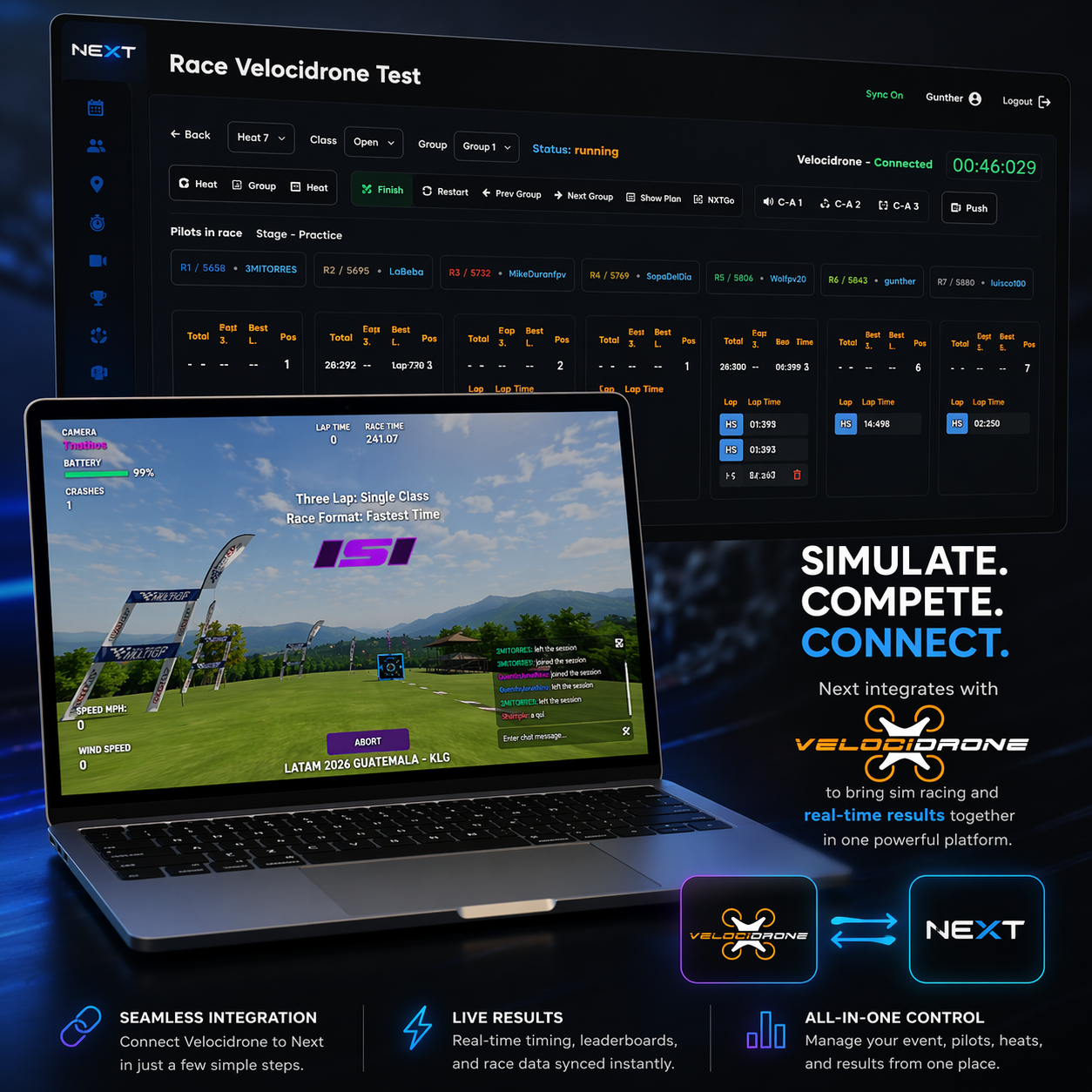
Do you run events using simulators??
Use Next as your race management platform. Launch races, review results, manage marshalling, run picks, and keep your pilots engaged. Build a custom streaming overlay, organize your competition professionally with brackets or round robin formats, and make race management simple with Next.
Download here
Current version 1.5.8
Download Mac | Download Windows | Download Linux (Experimental)